Review Corsair H60: Effective, Hassle-free Water Cooling

Watercooling solutions aren’t exactly popular here in Indonesia, despite the various innovations from numerous brands outside the country. That changed a bit with the arrival of Corsair H50, a compact, maintenance-free watercooling device which proved to be appealing to casual users. Now, Corsair has already come up with its successor: the H60.
Sales Package and Contents
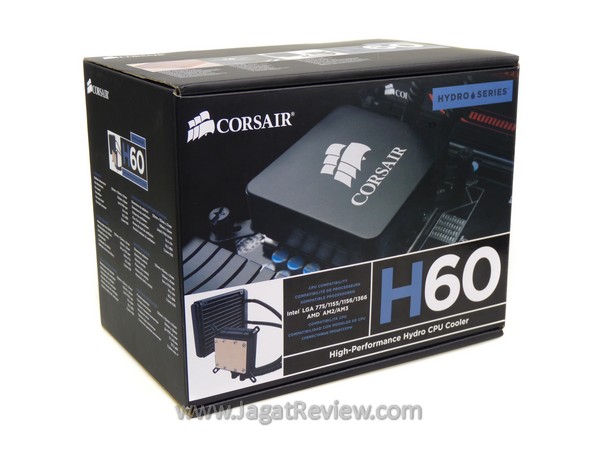
The H60 comes inside a relatively thick cardboard box. On the surface of the box, you can find a list and features and specifications regarding the product contained within.
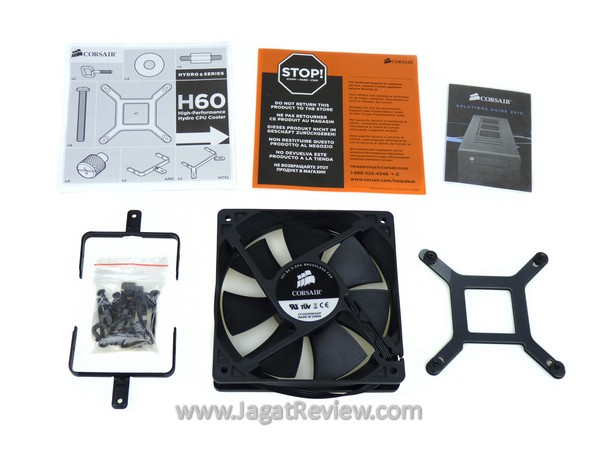
Aside from the watercooler unit itself, several other accessories are also included in the package:
- Intel Mounting Set + Backplate (LGA 775, 115x, and 1366).
- AMD Mounting Set (AM2+/AM3).
- Manual Book
- Mounting Screws
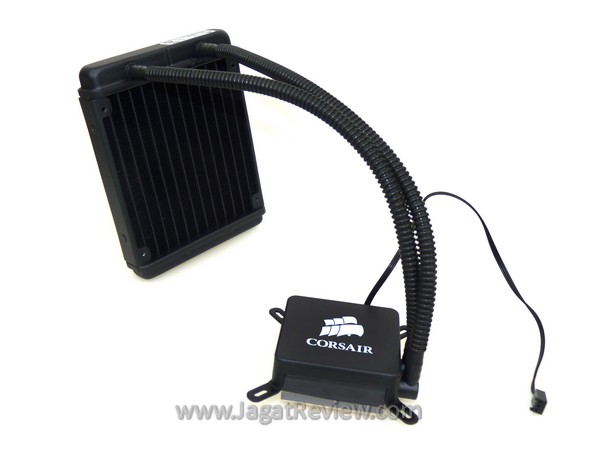
This is the Corsair H60 watercooling device. It consists of two primary components: the waterblock and the radiator, connected with a pair of waterhose. The working principle is fairly simple, much like your car’s radiator, only in a smaller scale. Heat is transferred by water from the CPU to the radiator, where it will be dissipated into the air. You can hang the radiator on the fan mounting holes on the rear side of your casing. The waterpump is integrated inside the waterblock unit, and draws power from your motherboard through the 3-pin power connector.
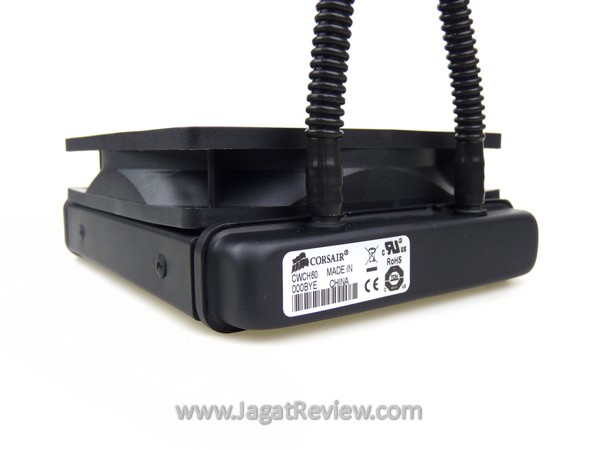
The radiator unit on the H60 is relatively small in terms of physical dimension. On the picture above, you can see that its aluminum fin section is just as thick as the 120x120x25 mm fan sitting above it. With such (seemingly) simple construction and small size, H60 appears to be more compact and less complicated compared to other, conventional watercooling solutions.
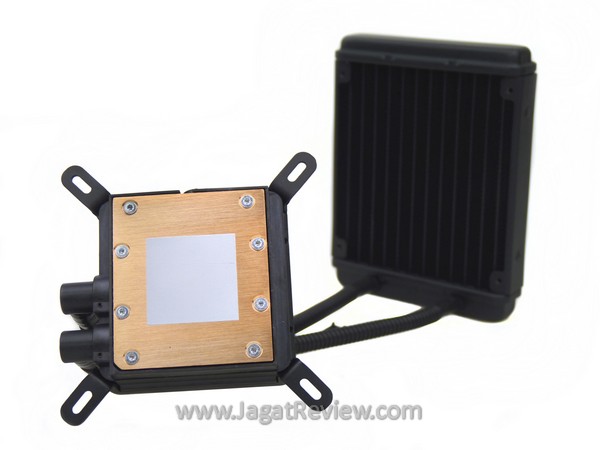
The copper base of the waterblock is flat with a rather rough surface finish (as seen from the not-too-shiny appearance). It has a layer of pre-applied thermal paste, but we decided to replace it with the MX-2 from Arctic Cooling to put the H60 on a level playing with the other products used as comparison in our test.
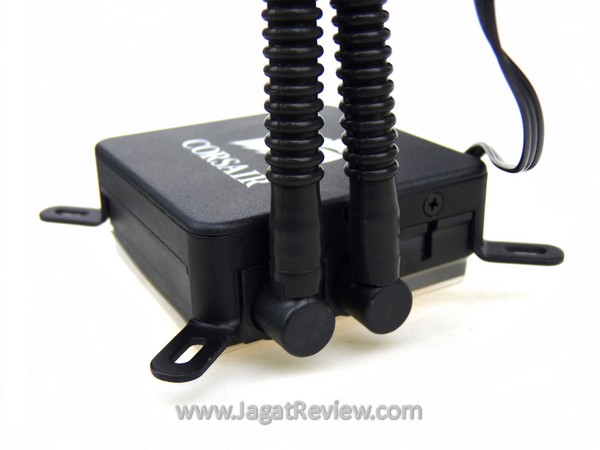
The waterhose connections on the waterblock can be flexed around to point them to the direction where the radiator is mounted. This nice touch will make the whole system easier to install.
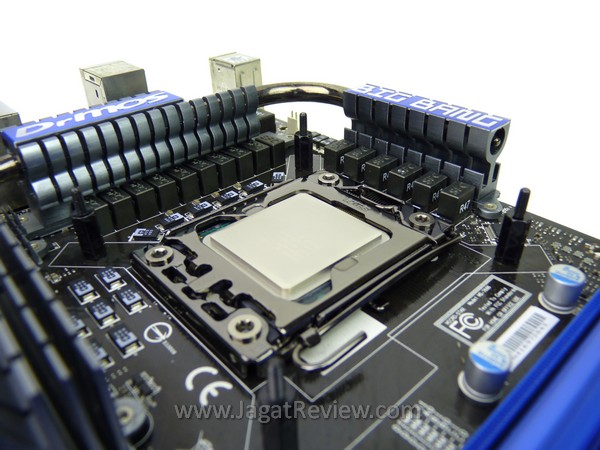
H60’s waterblock mounting bracket looks simple. You are provided with four, double-sided screw heads. One side is used to fasten the bracket on the rear side of your motherboard, while the other is where you will fasten screws to mount the waterblock on your CPU. This should be easy to do because the of the Thumb Screw design of the fastening screws.
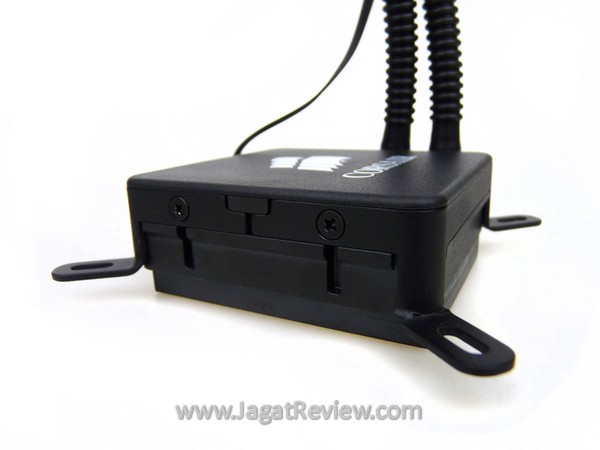
To mount the H60 on an AMD CPU, simply open these two screws on both sides of the waterblock unit and swap the Intel mounting bracket with the appropriate replacement as provided inside the box.
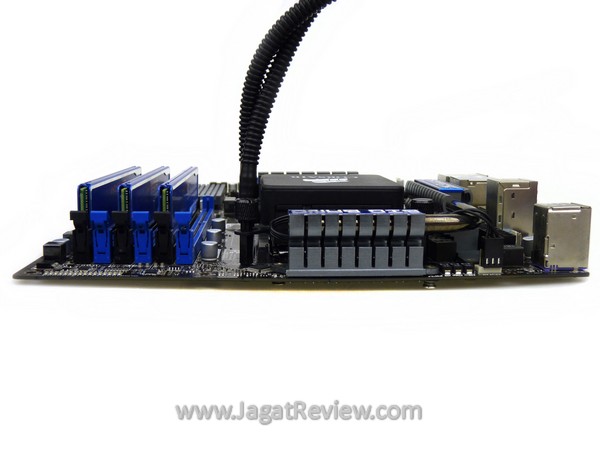
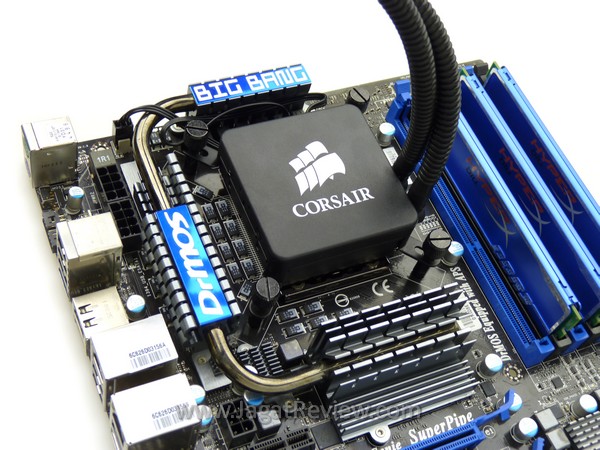
The H60 could be a good choice for those discerning people who like to keep the innards of their PC as neat as possible. It looks nice when mounted on the CPU. Also, the surrounding area looks much tidier and more roomy compared to when the system was cooled using a large air cooler. The waterblock is even shorter than our RAM modules.
More Articles